
Kaizenly
Small habits, big changes. Your daily habit tracker.
Scroll for more →
What is Kaizenly?
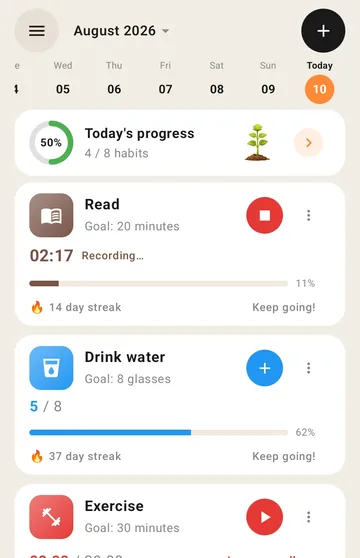
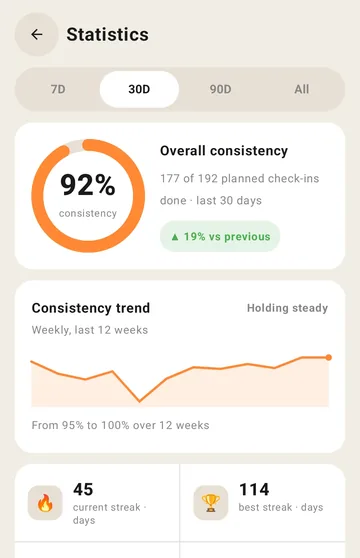
Kaizenly helps you build good habits one day at a time — set daily goals, check off habits, keep your streak alive, and watch your progress grow. It's designed to be simple, calm, and privacy-first.
Three ways to track, because habits aren't all the same
- Tick it off — one tap and the day is done, or count up to a target like 8 glasses of water
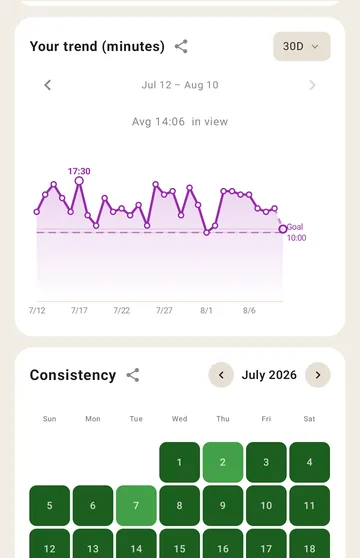
- Time it — a stopwatch runs right on the habit card, for meditation, reading or exercise
- Enter a number — log kilometres, pages, calories, or a unit you name yourself
Four home-screen widgets
So your habits stay visible without opening anything.
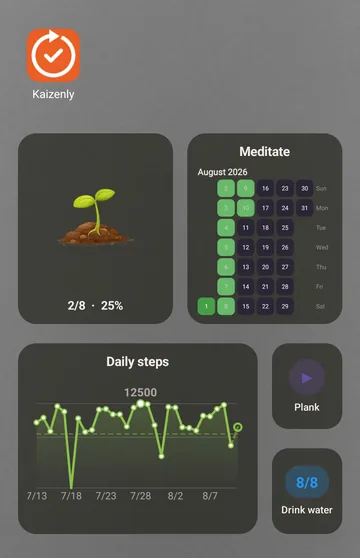
- Progress plant — a plant that grows as you complete today's habits
- Single habit — tick one habit off, or start its timer, in one tap
- Habit heatmap — a year of consistency at a glance
- Trend — where your progress is heading
Your data stays yours
All of your habits and history are stored locally on your device. There is no account to create and no data kept on our servers.
Cloud backup is optional. If you connect Google Drive, Kaizenly requests only the
app-data scope (drive.appdata) — a private, hidden folder inside your own
Google Drive that no other app, and not even we, can access. You can disconnect or
delete your backups at any time.
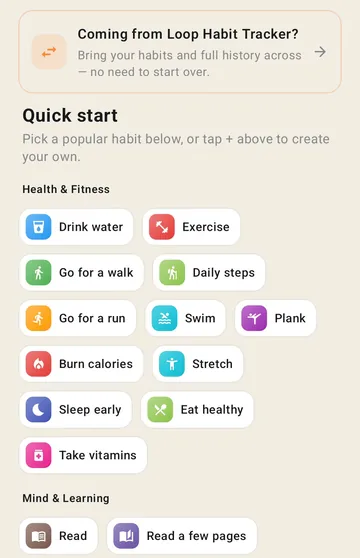
Coming from Loop Habit Tracker?
Import your Loop backup and bring every habit and every day of history with you. Nothing to retype.
Choosing a habit tracker
- Free habit tracker apps and the question nobody asks — whether you can get your history back out, and a 60-second test to run before you commit
- Habit tracker widgets for Android — why one widget per habit does not fit on a home screen, and the three ways out
- Habit trackers with no account — "works offline" and "no account" are different promises, and the airplane-mode test that tells them apart
More
- Daily, chosen weekdays, days of the month, or a flexible target like "3 times a week"
- A time-boxed pause that keeps your history intact, and a monthly budget of skips
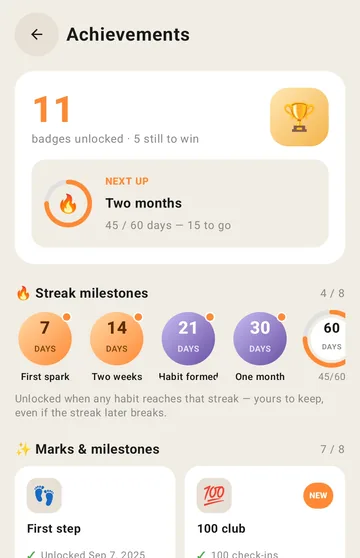
- Streaks, consistency over time, and achievements as milestones land
- A reminder per habit — mark it done straight from the notification
- 16 languages, light and dark themes, and a day-start hour for night owls